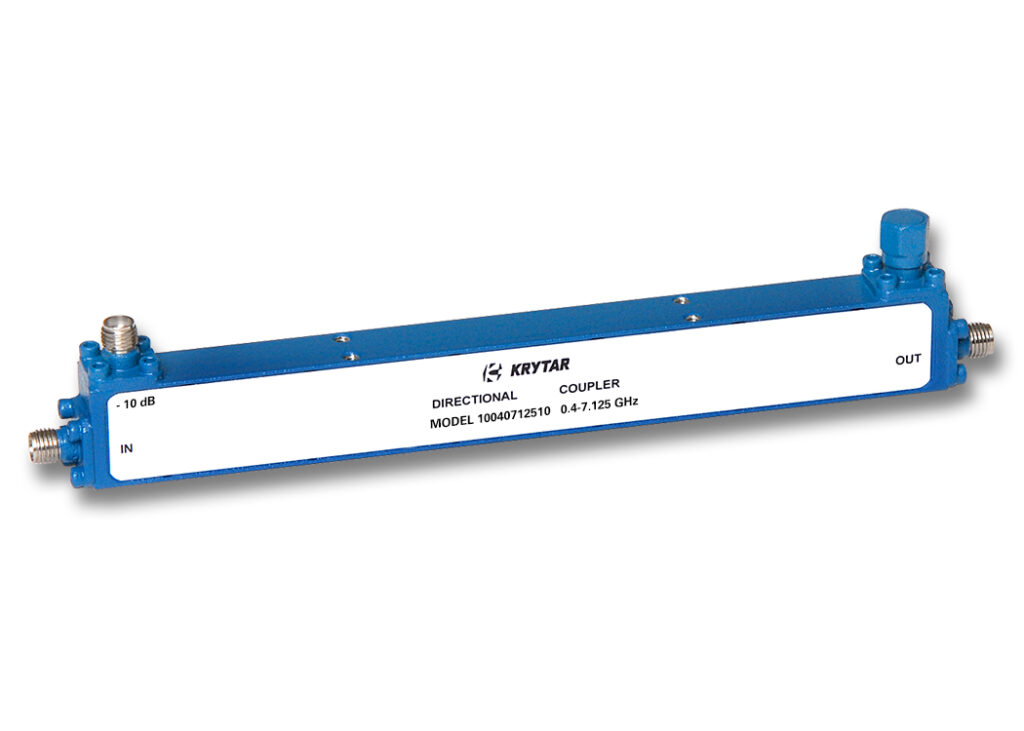
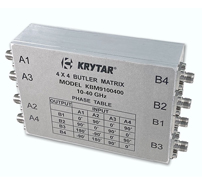
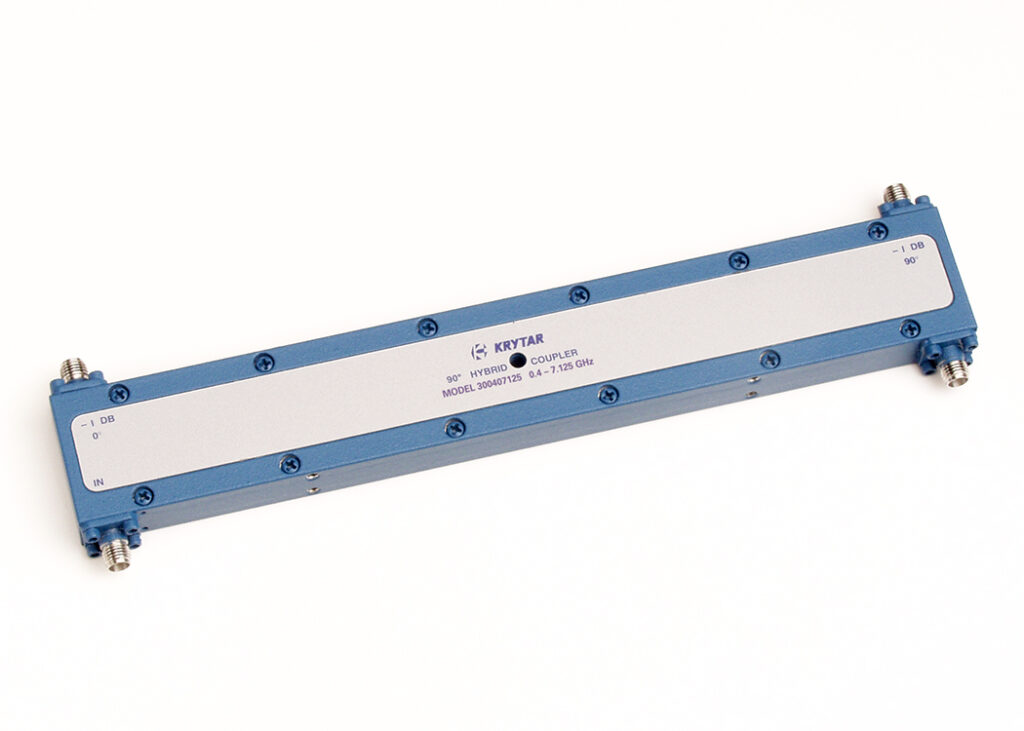
SUNNYVALE, CALIF. – – – KRYTAR, Inc., a leader in the design and production of ultra-broadband microwave components and test equipment announces a family five (5) new Directional Couplers operating in the frequency range of 0.4 to 7.125 GHz (UHF through C-Bands) offering Nominal Couplings from 6 dB to 30 dB…